Your Next Employee Needs a Safe Space to Work
Deploy & "Declaw" OpenClaw in 2 minutes. Zero setup. Enterprise security. 24/7 uptime.
Limited Beta · Invite Only
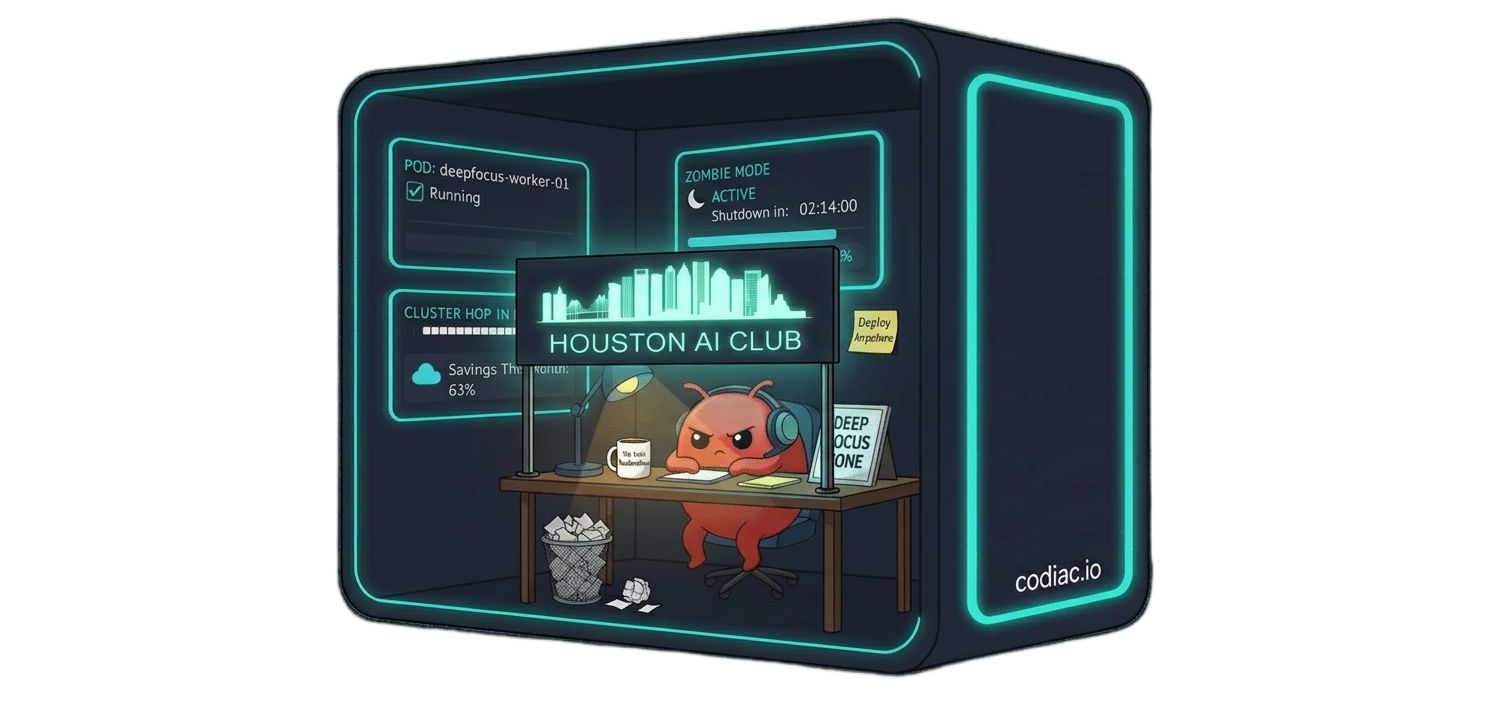
This is a Chainsaw, Not a Butter Knife
· $700+ in hardware to buy and babysit
· Full system access to a real machine
· One bad skill = full system exposure
· Single instance, hard to scale
· No snapshots, rollback, or visibility
· Isolated Kubernetes sandbox — contained
· Agent only touches the container’s internals
· Multiple instances per agent or workflow
· Persistent, always-on, zero hardware
· Version control, rollback, full visibility
Security Risk
AI agents need root access to run skills, tools, and integrations. Without sandboxing, one misconfigured agent can compromise your entire network.
Malicious Skills
One bad plugin can exfiltrate data, inject prompts, or hijack your agent’s identity. Community skills are the new supply-chain attack vector.
Downtime
A bare-metal crash takes hours to diagnose. Meanwhile, your agent is offline, your workflows are broken, and your team is blocked.
By 2028, 33% of enterprise software applications will include agentic AI, up from less than 1% in 2024, enabling 15% of day-to-day work decisions to be made autonomously.
— Gartner, 2024
Managed OpenClaw on Codiac
One platform. Zero infrastructure headaches.
1
Zero-Touch Deployment
npm install, codiac deploy. Your agent is live in under 2 minutes.
2
Enterprise-Grade Security
Kubernetes pod isolation. Each agent runs in its own sandbox with zero lateral movement.
3
Always-On Availability
99.9% uptime SLA. Auto-restart, health monitoring, zero babysitting.
Deploy in 5 minutes
Open a Codiac template, install OpenClaw inside via CLI. Two tools, one clean sandbox.
1
Install the Codiac CLI
One global install, then authenticate with your Codiac account.
bash
npm install -g @codiac.io/codiac-cli codiac login
2
Spin up a container
Create a fresh Kubernetes-backed container in one click—or one command.
bash
# Codiac UI: open a Node.js base template # Or via CLI: codiac asset create
3
Install OpenClaw inside the container
Install the agent runtime and register the background daemon.
bash
npm install -g openclaw@latest openclaw onboard --install-daemon
4
Verify and go live
Run the health check, confirm the gateway, and deploy.
bash
openclaw doctor # health check openclaw status # confirm gateway codiac asset deploy
One Brain, Every Channel
🔒
Contained blast radius
If a skill misbehaves, the damage stays in one container. Your host, data, and other services remain untouched.
⚡
Multiple agents, one click
Spin up as many OpenClaw instances as you need—one per project, one per workflow, or one for experiments.
🔁
Easy rollback
Every deploy is versioned. Roll back to any previous state in seconds if something goes wrong.
A hub-and-spoke architecture that connects your agent to every channel.
Gateway
Routes messages from Slack, Teams, Web, and more into a unified protocol your agent understands.
Runtime
Containerized OpenClaw with skills, memory, tools, and LLM orchestration running in an isolated Kubernetes pod.
Storage
Vector DB, session history, audit logs — all encrypted at rest and in transit.
Simple, Transparent Pricing
Start free. Scale when you’re ready.
Starter
Free
1 agent · 100 msgs/day · Community support
Pro
$49/mo
5 agents · 10K msgs/day · Priority support
Enterprise
Custom
Unlimited · SSO · Dedicated infrastructure
Ready to Hire Your Digital Workforce?
Start deploying AI agents in minutes. No infrastructure to manage. No security to configure.
Limited Beta · Invite Only